

 05/05/2026
  1671
1671

Інтернет-маркетинг
простою мовою
Content of the article

Top translation extensions for Google Chrome
Today, quick access to foreign-language content has become a critical necessity for businesses. Teams need to quickly read foreign websites, analyze competitors’ materials, and work with research, correspondence, and professional sources without wasting time on manual translation. That is why translation extensions in Google Chrome remain a convenient tool for daily tasks. In this article, we’ll explore the most useful translation extensions for Chrome, their strengths, and the situations in which each one is most relevant for business.
Why you need translation extensions in Google Chrome
Basic page translation in Chrome is often sufficient when you need to quickly grasp the general meaning of the content. Page translation is already built into the browser itself. Chrome can offer to translate a page via an icon on the right side of the address bar or through the context menu. However, this solution is convenient for translating an entire page, not for working with specific text fragments.
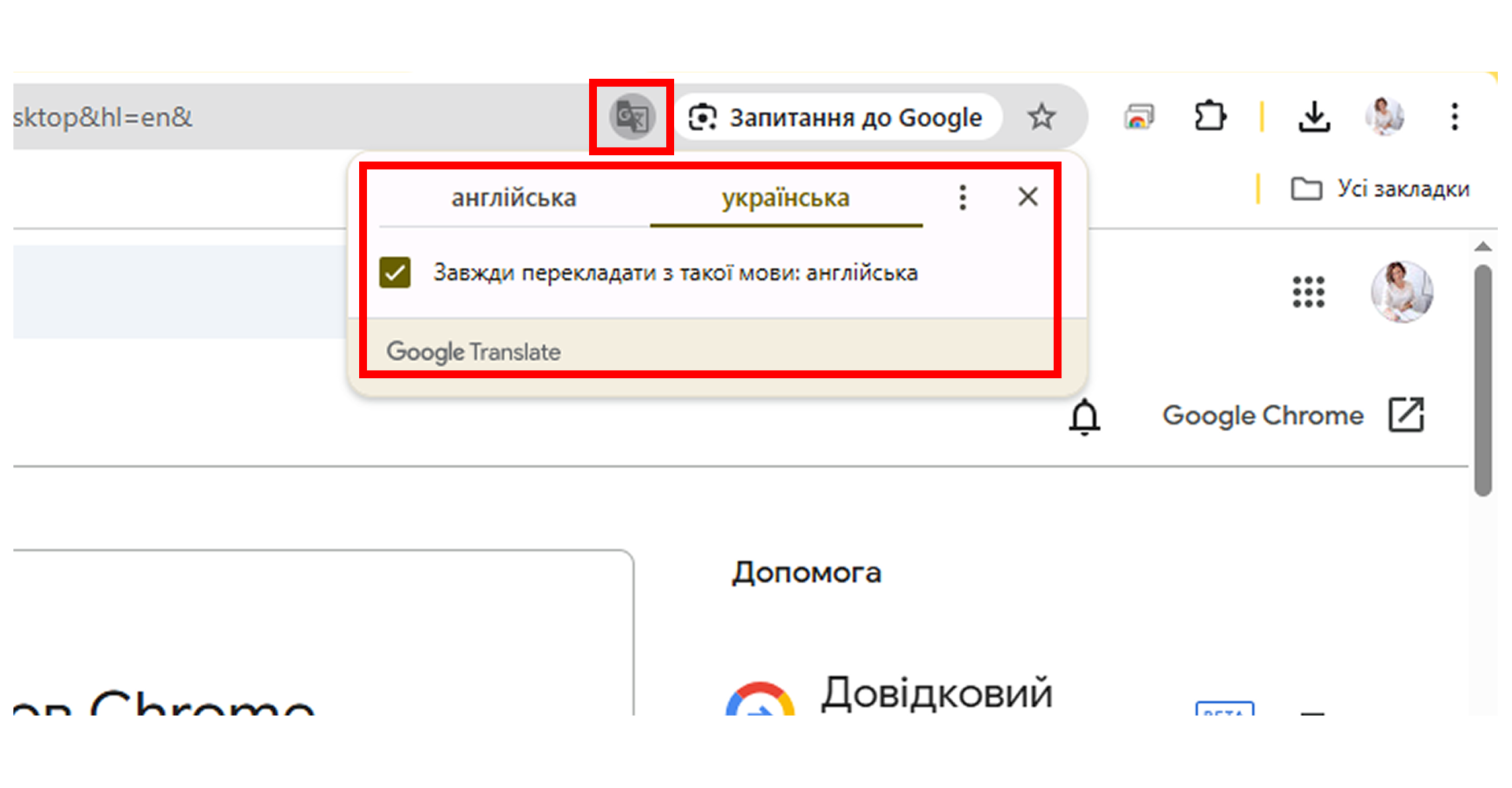
Extensions are needed when the task goes beyond simply «translating the entire page». You can download them from the Chrome Web Store.
Extensions should be viewed not as a replacement for Chrome’s built-in translation, but as a tool that covers more specific, practical scenarios.
Top translation extensions
All translation extensions in Google Chrome fall into three broad categories, and understanding these makes it easier to choose not just «the best» one, but the one that will actually meet your business needs.
Extensions can be broadly categorized as follows:
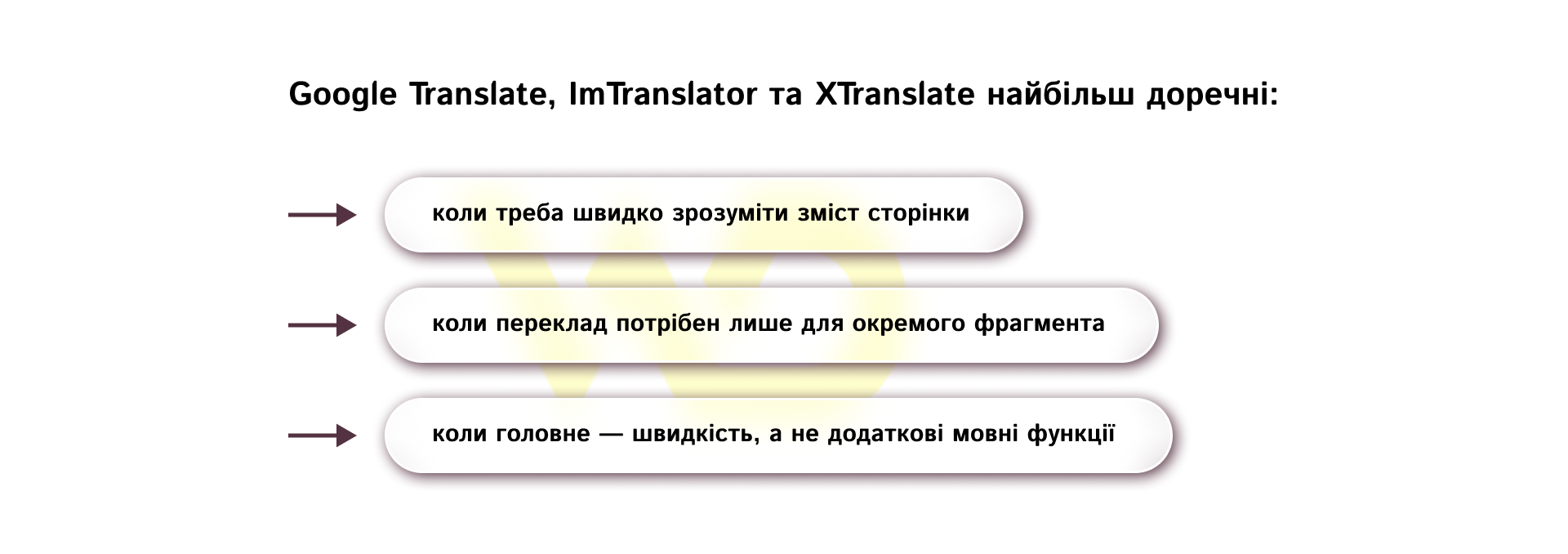
- for quick translation: Google Translate, ImTranslator, XTranslate;
- for in-depth language work: Mate Translate, Reverso, Lingualeo Language Translator;
- for vocabulary memorization: Rememberry, Vimbox by Skyeng.
Each service in this selection has its own strength: for some, speed is key; for others, context; and for others, learning and vocabulary. Let’s take a closer look at each of these extensions.
Quick translation in the browser
This group of extensions is suitable for situations where you don’t need to delve into linguistic nuances, but simply need to quickly grasp the content of a page or a specific section. This is useful when working with news, competitors’ materials, foreign landing pages, partner texts, or industry publications. In such scenarios, speed, convenience, and minimal extra steps are crucial.
Google Translate
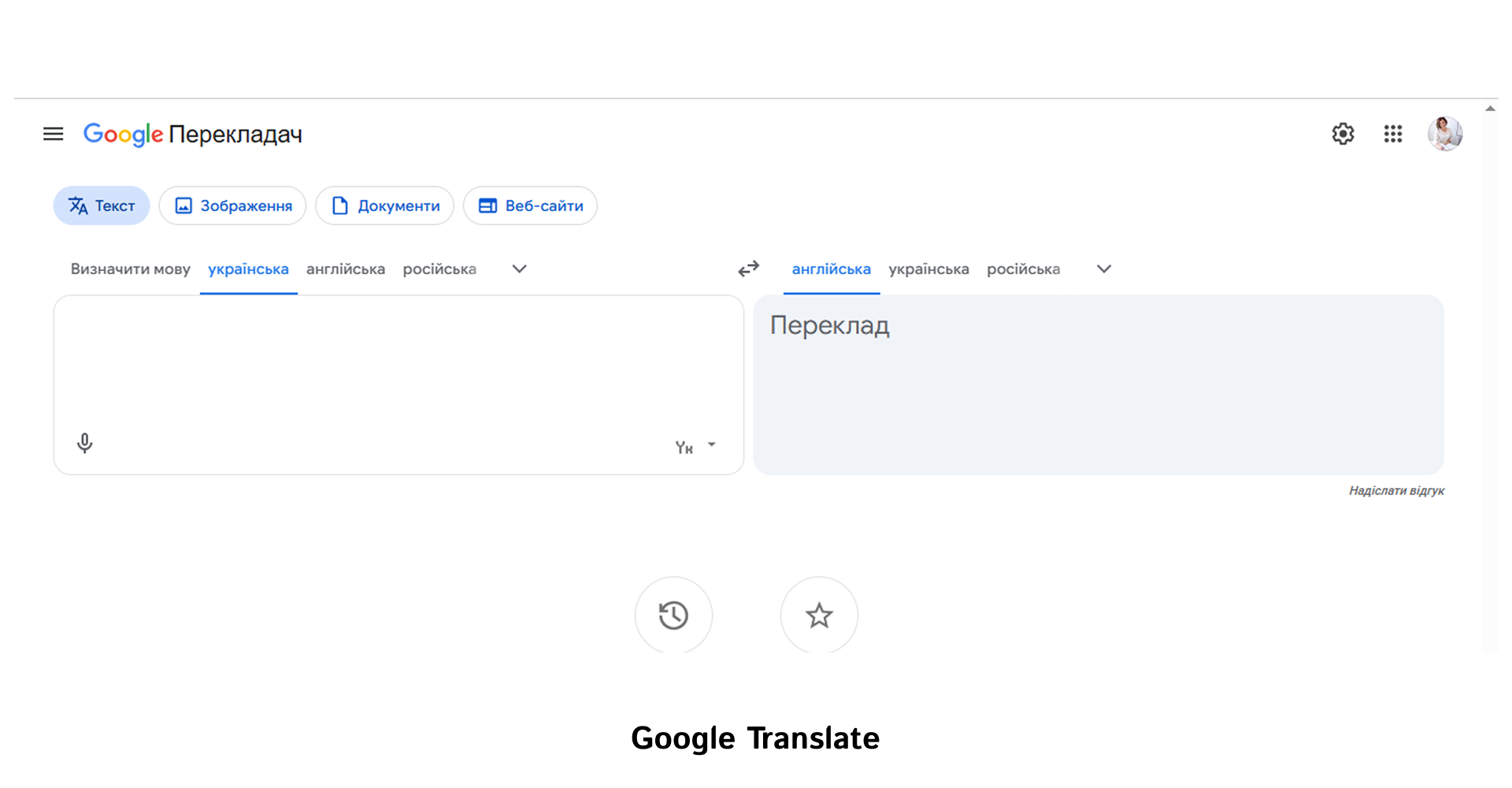
This is the simplest option when you need to quickly translate a page or a specific section of text without any additional settings. As mentioned above, the extension works directly in the browser: just highlight the text, click the translation icon, or use the context menu. This approach is well-suited for daily reading of foreign-language content, when speed is the top priority.
ImTranslator
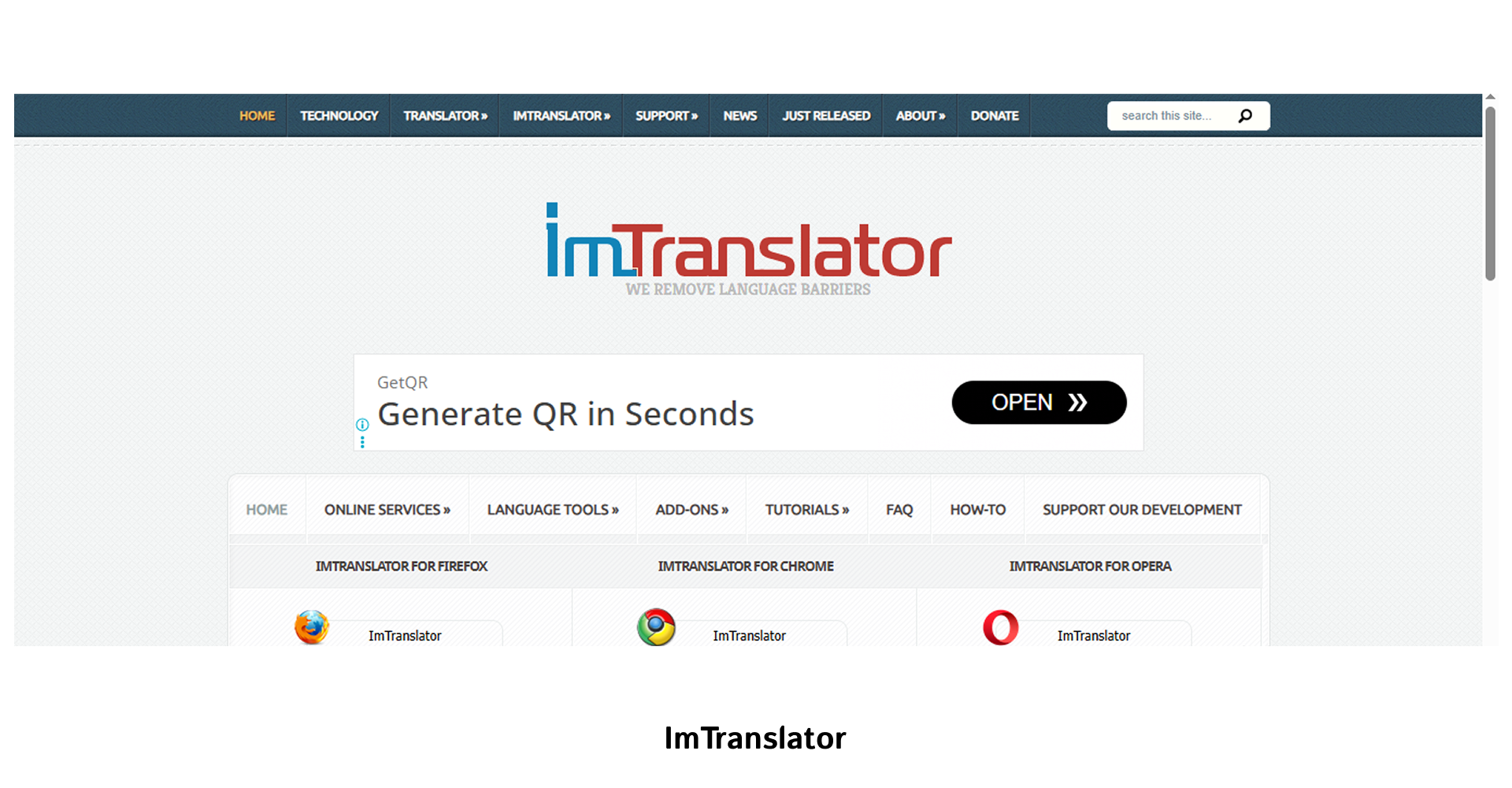
This is a more flexible tool for those who regularly work with foreign-language texts. It translates selected text, words, phrases, and web pages, and also features separate modes, a dictionary, voice-over, and a translation history. While Google Translate is convenient for basic viewing, ImTranslator gives you more control over the translation process itself.
XTranslate
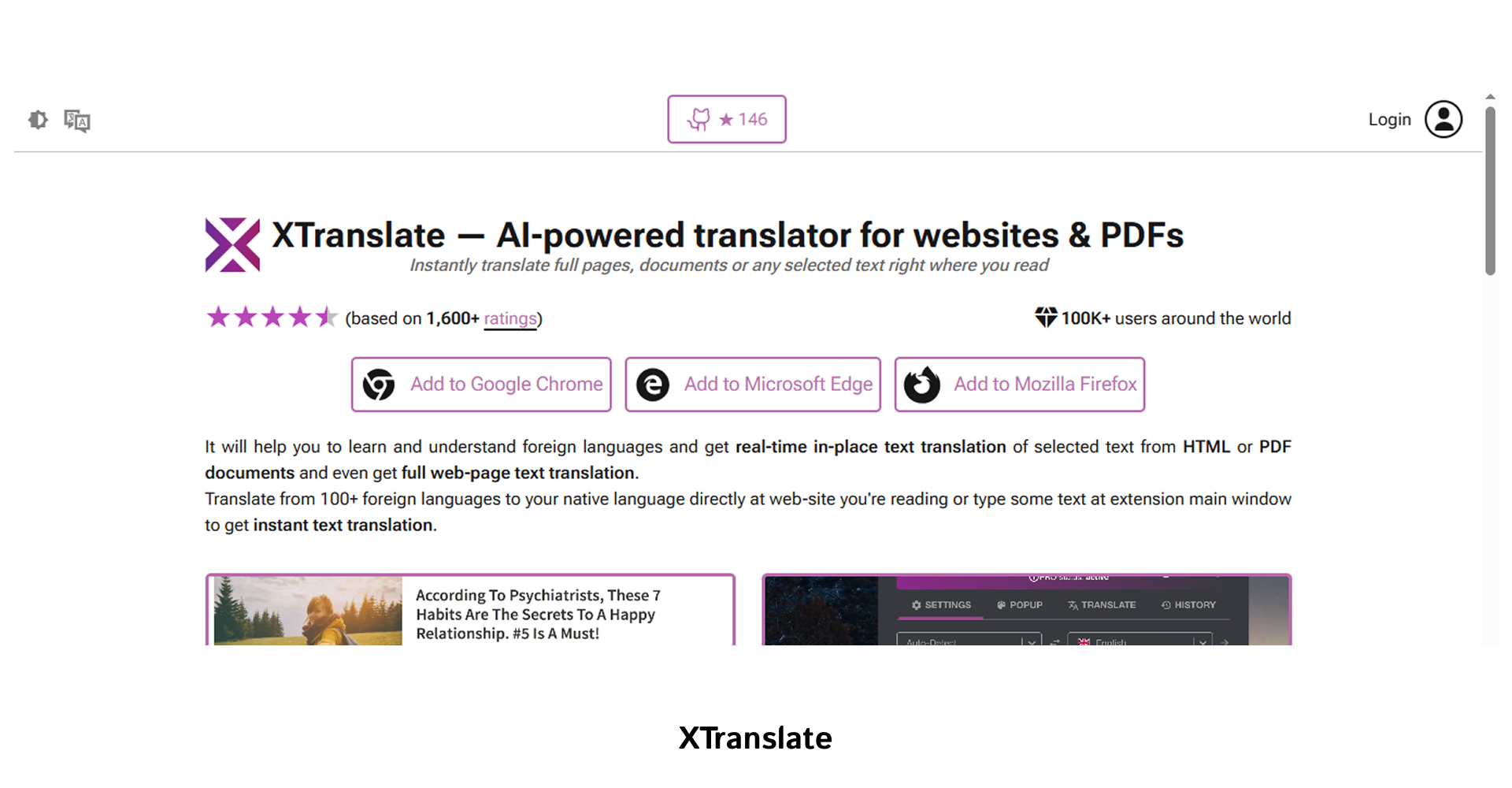
This is a convenient option for quick work without unnecessary switching between tabs. The service allows you to translate text directly on the web page or via the extension’s pop-up window, and supports many languages. This format works well when you need to stay focused on reading and keep the entire context in view.
Tools for more in-depth language work
These extensions are useful when it’s no longer enough for a business to simply «understand the content of a page». Here, context, usage examples, working with PDFs, subtitles, dictionaries, and saving vocabulary for future use within the team become crucial. That’s why these tools are useful for editors, marketers, analysts, and anyone who regularly works with foreign-language content.
Mate Translate
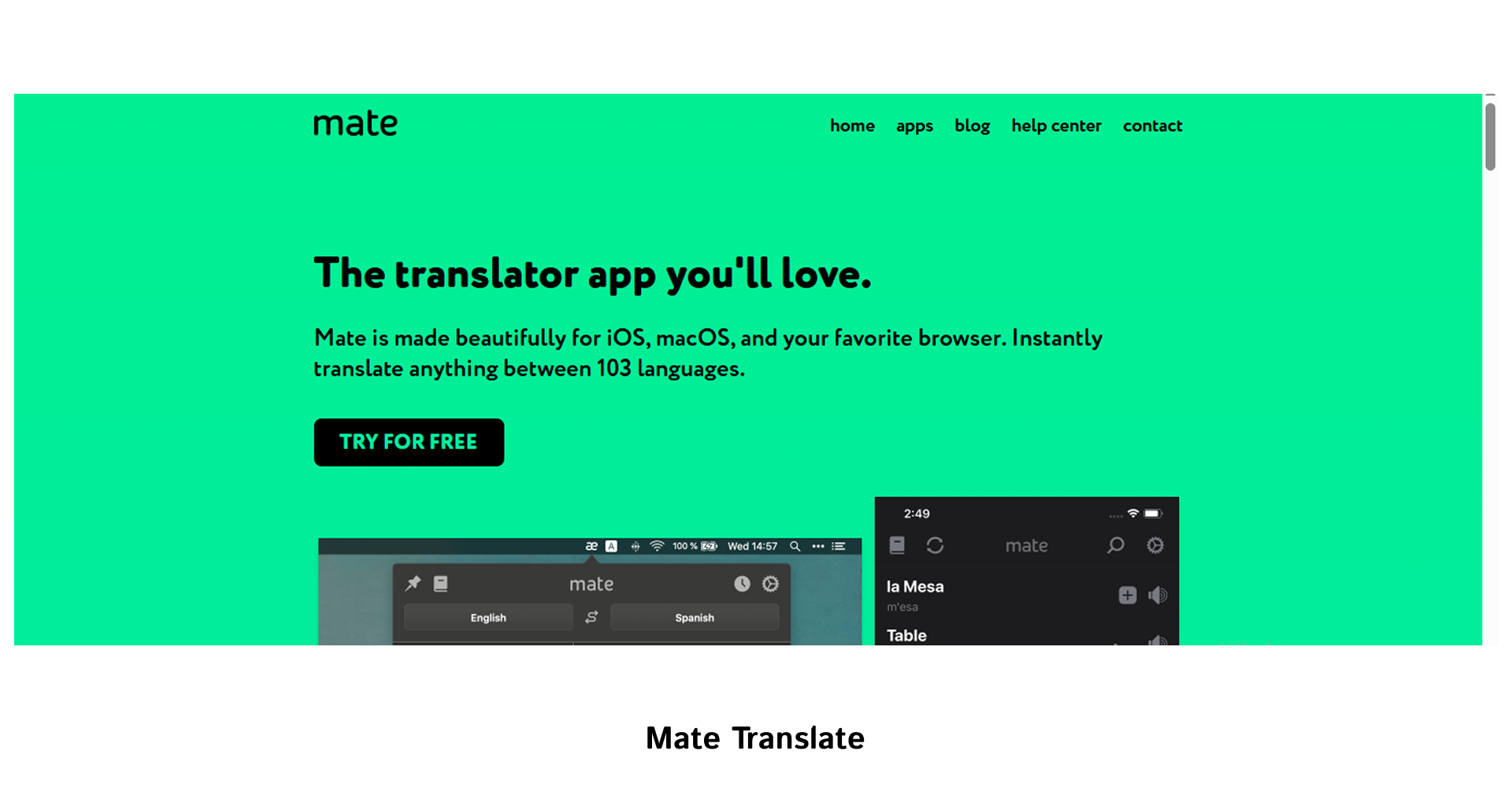
Mate Translate is suitable for situations where translation is needed beyond the level of individual words. Its official description states that the service translates words, phrases, documents, web pages, PDF files, and even Netflix subtitles. It also has a dictionary and phrasebook, meaning it helps not only with translation but also with systematically working with language material.
Reverso
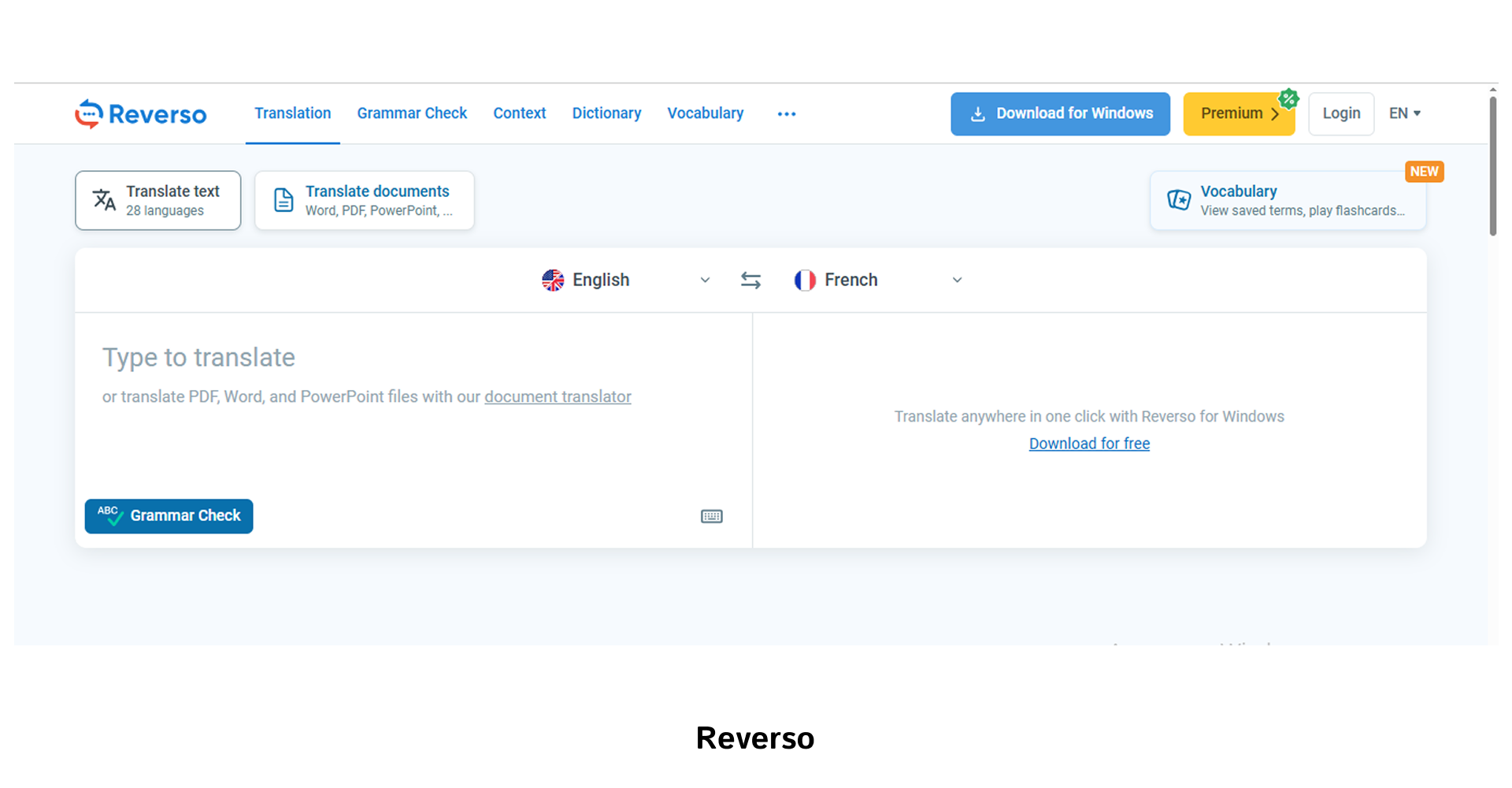
Reverso should be considered a tool for situations where it’s important to see the translation in a real-world context. The service provides translations with examples of actual usage, as well as features for working with documents and quickly finding equivalents. This is useful when a team is dealing with texts where the precision of the wording matters just as much as the translation itself.
Lingualeo
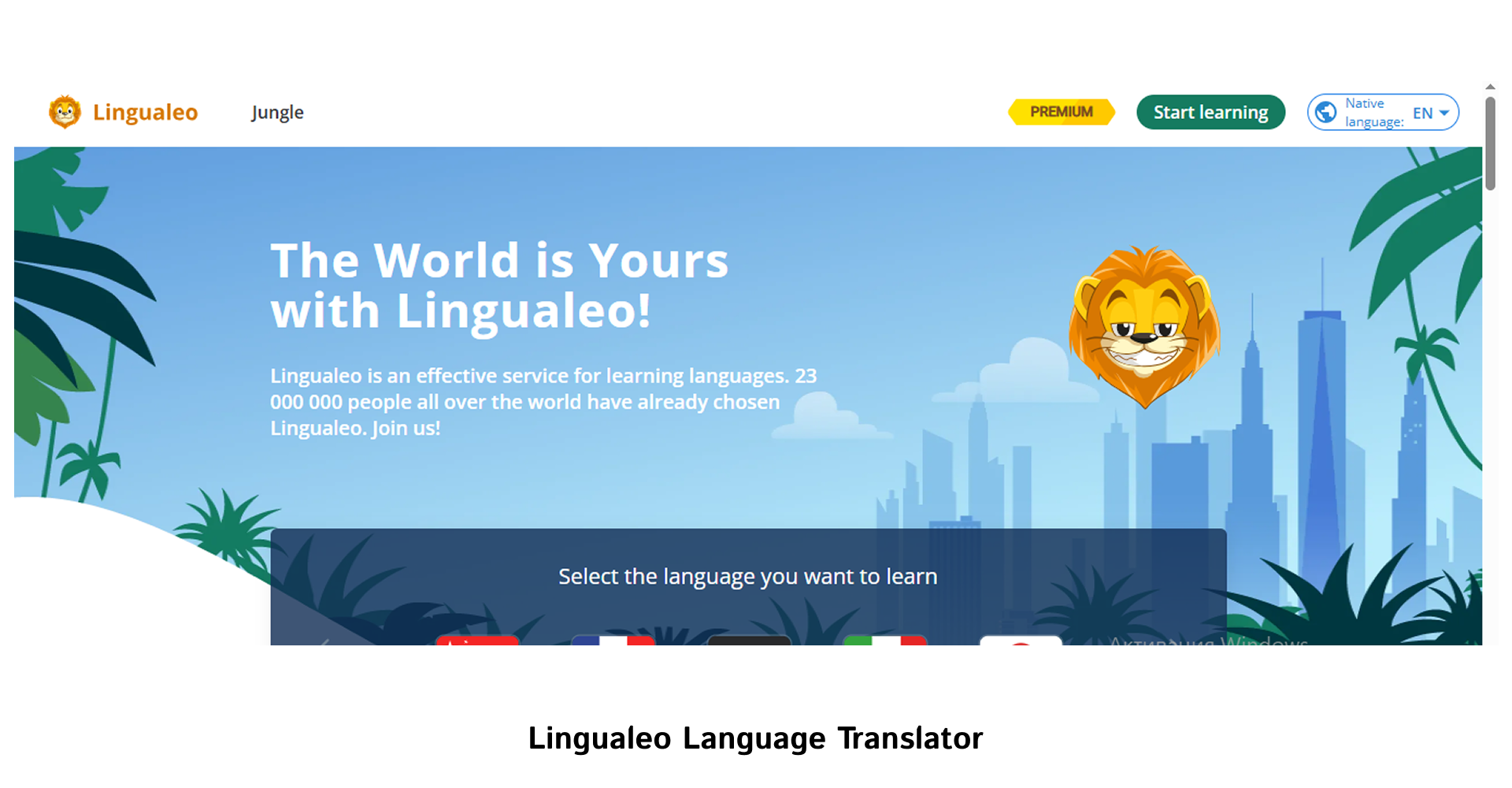
Lingualeo Language Translator is convenient because the translation immediately helps you memorize new vocabulary. The service description states that the extension allows you to translate words and phrases from any web page, add them to your personal dictionary, and view popular translations, pronunciation, and common expressions. For teams that regularly read English-language sources, this is a practical way to gradually build their own terminology database.
Tools for memorization and learning
Here, we’re talking not just about translation, but about working with new words over the long term. Such tools help you save vocabulary, revisit it later, and gradually integrate language practice into the team’s daily work. This is especially useful for businesses where employees regularly read English-language materials and need to build up their professional vocabulary.
Rememberry
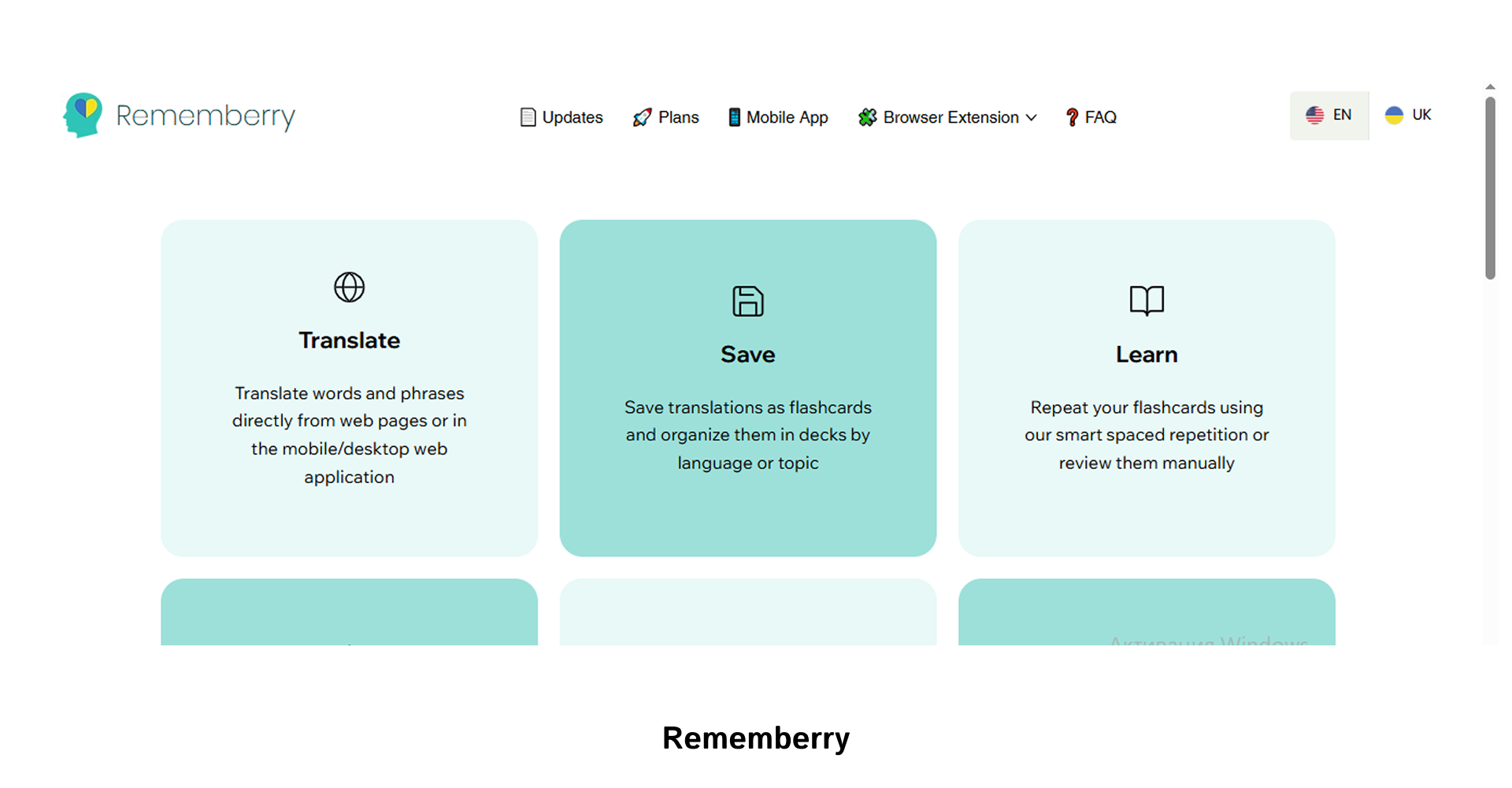
Rememberry is ideal for those who want to turn translation into a learning system. The extension allows you to translate words and phrases while browsing websites, save them as flashcards, and review them later using spaced repetition. The official website also notes that the service supports various learning modes, card highlighting on web pages, and audio pronunciation of words and phrases.
Readlang Web Reader
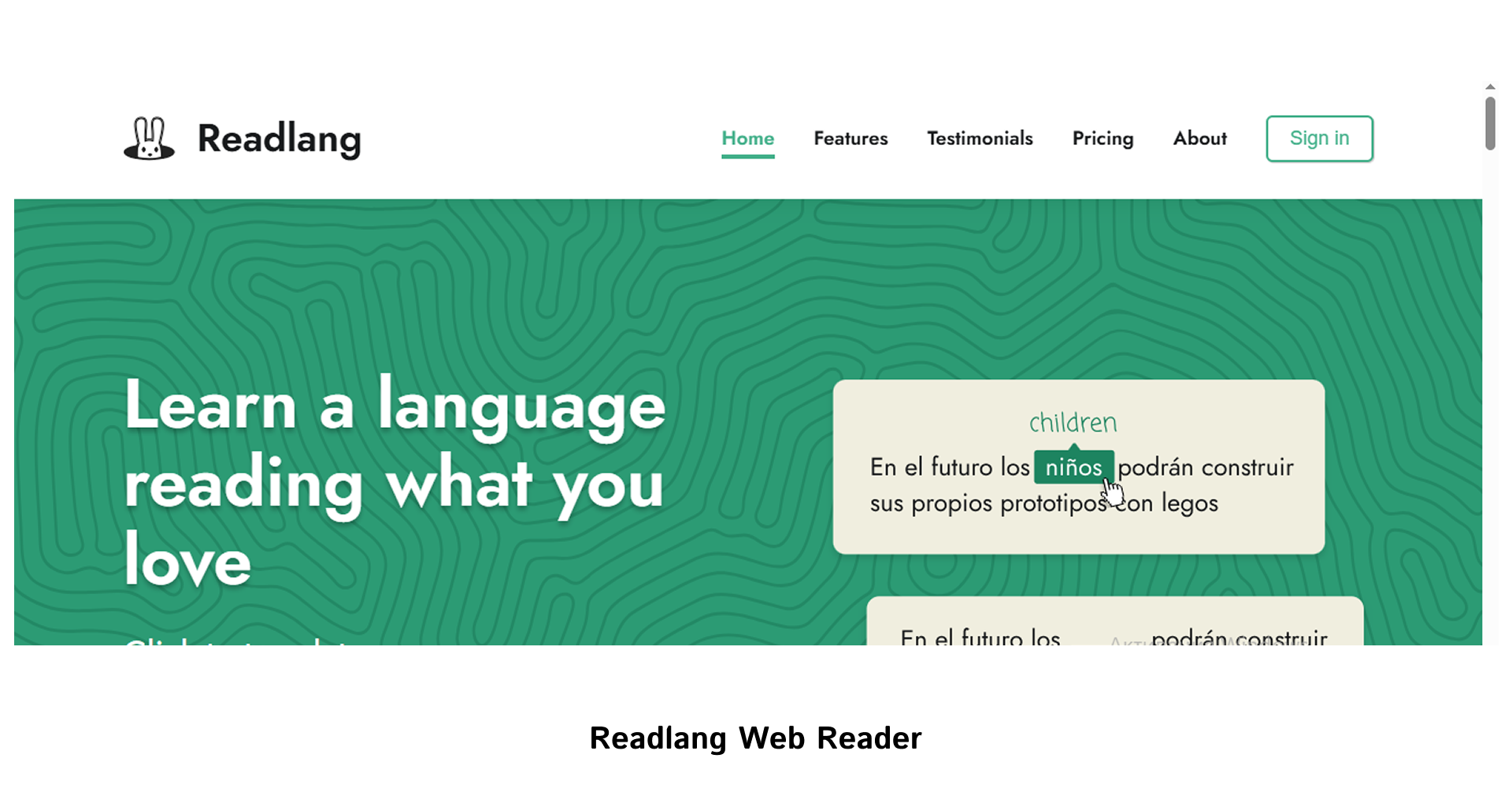
Readlang Web Reader operates on the same basic principle. The user translates words and phrases simply while reading, and the service automatically creates flashcards and vocabulary lists for review. This is convenient when you need to understand a text and gradually build up your vocabulary without separate study notes. Readlang is well-suited for teams that regularly work with foreign-language articles, web pages, or educational materials and want to combine translation with memorization.
These two tools best fit the scenario where translation becomes part of a systematic approach to vocabulary, rather than a one-time action for a single text.
What to look for before choosing
When selecting a translation extension for business, it’s important to consider how the tool performs in real-world daily workflows. For some teams, speed and minimal extra steps are important; for others, it’s the dictionary, translation history, or the ability to save new vocabulary for review. Therefore, before installing, it’s worth briefly checking whether the service is right for your specific tasks.
The most convenient way to evaluate such tools is based on several practical criteria:
- Translate entire pages and individual sections without any extra steps;
- convenient text editing directly on the page;
- availability of audio, a dictionary, or the ability to save words;
- whether the tool overloads the browser or interferes with other services.
For businesses, the best solution isn’t a one-size-fits-all approach, but one that fits a specific scenario. When chosen this way, a translation extension becomes not just a one-time fix, but a handy tool that truly saves time and simplifies working with foreign-language content.

commercial offer
Other articles by the author

05/02/2026
Geotargeting is an algorithm that allows content or advertising messages to be shown to users based on their geographical location.

17/04/2026
Automating SMM processes is a practical necessity for businesses operating in an environment characterized by a high volume of content, limited resources, and constant competition for audience attention.

09/04/2026
All these schemes share a common goal: to obtain money or a user’s personal data. That is why it is important to carefully verify websites before entering any confidential information or making a payment.
Latest articles by #Useful tips

06/10/2026
From a business perspective, updating content is a sensible way to protect existing investments.

02/10/2026
For businesses, CPL is the primary metric for measuring how effectively ads and landing pages convert cold traffic into initial leads.

29/09/2026
A content pipeline transforms the creation of content from a spontaneous creative process into a managed production system. In such a system, AI serves as a powerful assistant.