

 29/10/2026
  787
787

Інтернет-маркетинг
простою мовою
Content of the article
- /01 Why businesses need scheduled posting
- /02 Scheduled posting vs. SMM automation
- /03 Meta Business Suite, native features, and third-party services for scheduled posting
- /04 What to do before setting up automation
- /05 Step-by-step guide to setting up scheduled posting
- /06 Specifics of automating different formats: posts, Reels, Stories
- /07 Risks, force majeure, and the «stop» protocol: what requires daily human oversight
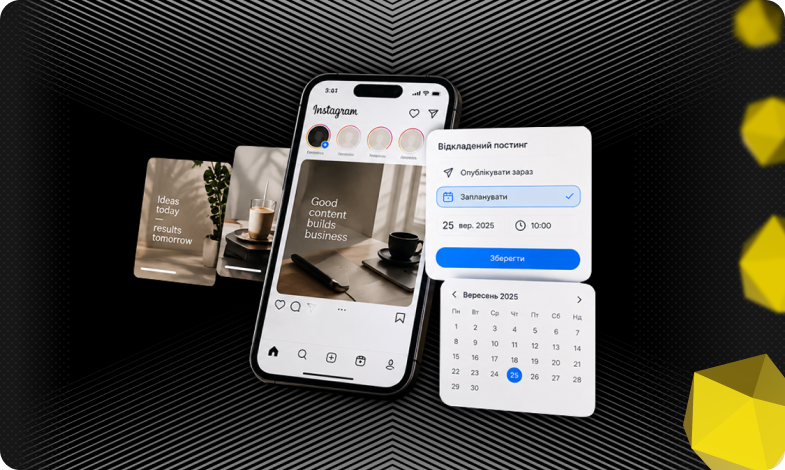
Instagram content automation: how to set up scheduled posting for your business

Instagram is one of the key communication and sales channels for businesses. However, most companies still spend the resources of their SMM specialists on manually publishing content in real time. This leads to chaos in schedules, missed deadlines, and a loss of organic reach due to irregular posting. Setting up scheduled posting solves this problem by transforming publishing from a daily chore into a managed and predictable business process.
In this article, we’ll break down how to properly organize a systematic content release on Instagram: how scheduled posting differs from «gray-area» automation, which tools to choose for your company’s goals, how to prepare your account and configure posts for different formats, and what reputational and technical risks to consider.
Why businesses need scheduled posting
In the standard workflow without advance planning, content is created under the pressure of daily deadlines. This leads to three common operational issues.
- Irregular posting schedule. Instagram’s algorithms favor accounts with consistent and predictable activity. If posts appear erratically three days in a row, followed by a week-long hiatus organic reach declines.
- Deterioration in content quality due to rushing. When text and visuals are prepared just an hour before publication, the risk of typos, incomplete ideas, and errors in sales pitches increases.
- Distraction from the SMM specialist’s core tasks. Instead of analyzing metrics, engaging with the audience, and developing new marketing hypotheses, the employee is constantly glued to the clock, waiting to manually hit the publish button.
Implementing scheduled posting changes, the dynamics of work time. Instead of daily interruptions, the team works on a batch processing basis: content is created, formatted, and approved in sprints a week or a month in advance. After that, the content is scheduled, and the team’s current focus shifts to analyzing reactions and managing the community.
This tool is particularly critical for companies that operate across multiple time zones or international markets. Automated publishing allows content to go live during peak activity hours for the target audience, independent of the office’s work schedule.
Scheduled posting vs. SMM automation
When discussing automation on Instagram, businesses often confuse these concepts, which leads either to unrealistic expectations or to security risks for the account. It’s important to clearly distinguish between these three levels of processes.
|
Scheduled posting |
This is an official tool for scheduling the date and time of publication for pre-prepared content. It works through Instagram’s native features and Meta Business Suite, does not violate platform rules, and is completely safe for your account. |
|
Content pipeline automation |
This is an organizational and technical process that combines creating a content plan, approving layouts in task managers such as Notion, Asana, or Trello, and transferring approved files to the publishing schedule |
|
Full automation of account management |
Attempts to rely on algorithms for mass following, automatically commenting on others’ posts, or sending spam messages via Direct without human involvement |
Using opaque third-party scripts and bots for mass actions violates Meta’s Community Guidelines. This can lead to account restrictions, reduced reach (a shadow ban), or permanent account loss.
Scheduled posting does not replace an SMM specialist and does not generate sales on its own. Its purpose is to handle the technical routine of content publishing, freeing up the team’s time to work with leads, analyze results, and improve the quality of the posts themselves.
Meta Business Suite, native features, and third-party services for scheduled posting
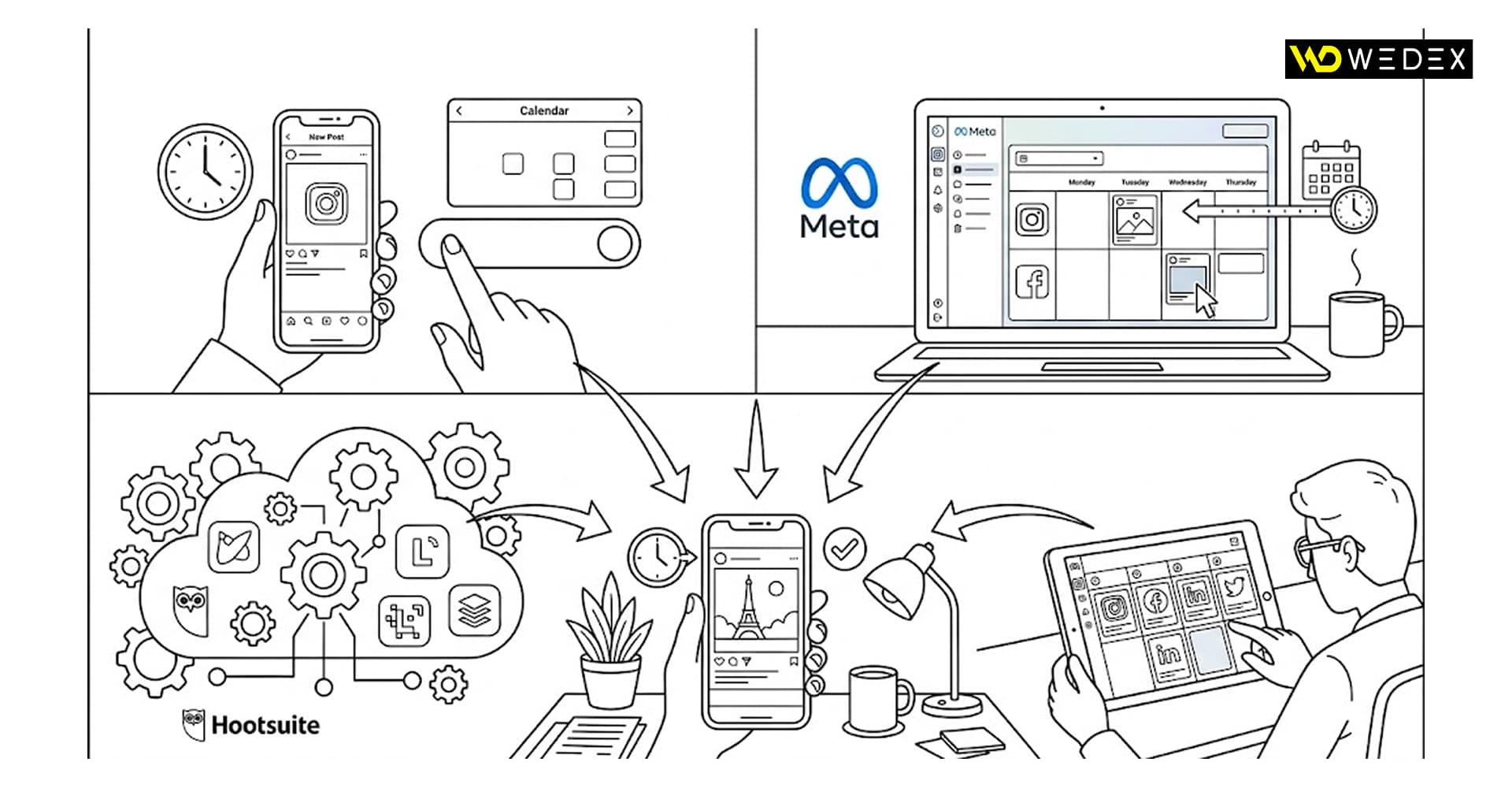
The choice of a tech stack depends on the scale of the business, the number of communication channels involved, and the structure of the SMM team. Automation tools are typically divided into three key categories, each with its own operational logic and technical nuances.
Meta Business Suite
This is the official, free platform from Meta, which serves as the basic and safest choice for most companies. Its main advantage is full compliance with platform regulations, which completely eliminates the risk of being blocked or having organic reach restricted. The tool allows you to simultaneously manage posting schedules for Instagram and Facebook, and also offers the Active Times feature, which uses internal analytics to suggest the best times to post content for your audience.
The main drawbacks are its cluttered interface and the limitation that it operates exclusively within the Meta ecosystem.
Native scheduled posting in the Instagram app
For quick scheduling directly from a smartphone, Instagram has introduced the ability to set publication times for posts and Reels in advance via the advanced settings section. This solution is ideal for professionals who work «in the field» and create content directly from a mobile device.
However, the native feature is limited to 75 days and does not offer a convenient visual grid or tools for collaboration among multiple team members.
Third-party SMM platforms (Later, Buffer, Sprout Social, etc.)
If a business communicates on four or more social media platforms simultaneously including LinkedIn, TikTok, or X native solutions are no longer sufficient. Specialized services connect via the official Instagram Graph API and provide advanced functionality: from multi-level layout approval workflows (client—art director—copywriter) to in-depth end-to-end analytics.
The main limitations of this approach are the high subscription cost for teams and potential technical API limits, which can cause certain interactive elements or specific audio tracks to be lost during automated publishing.
What to do before setting up automation
Attempting to schedule a post without prior technical and organizational preparation often leads to glitches during publication or a decline in content quality. For automation to run smoothly, a company must complete four critical steps in advance.
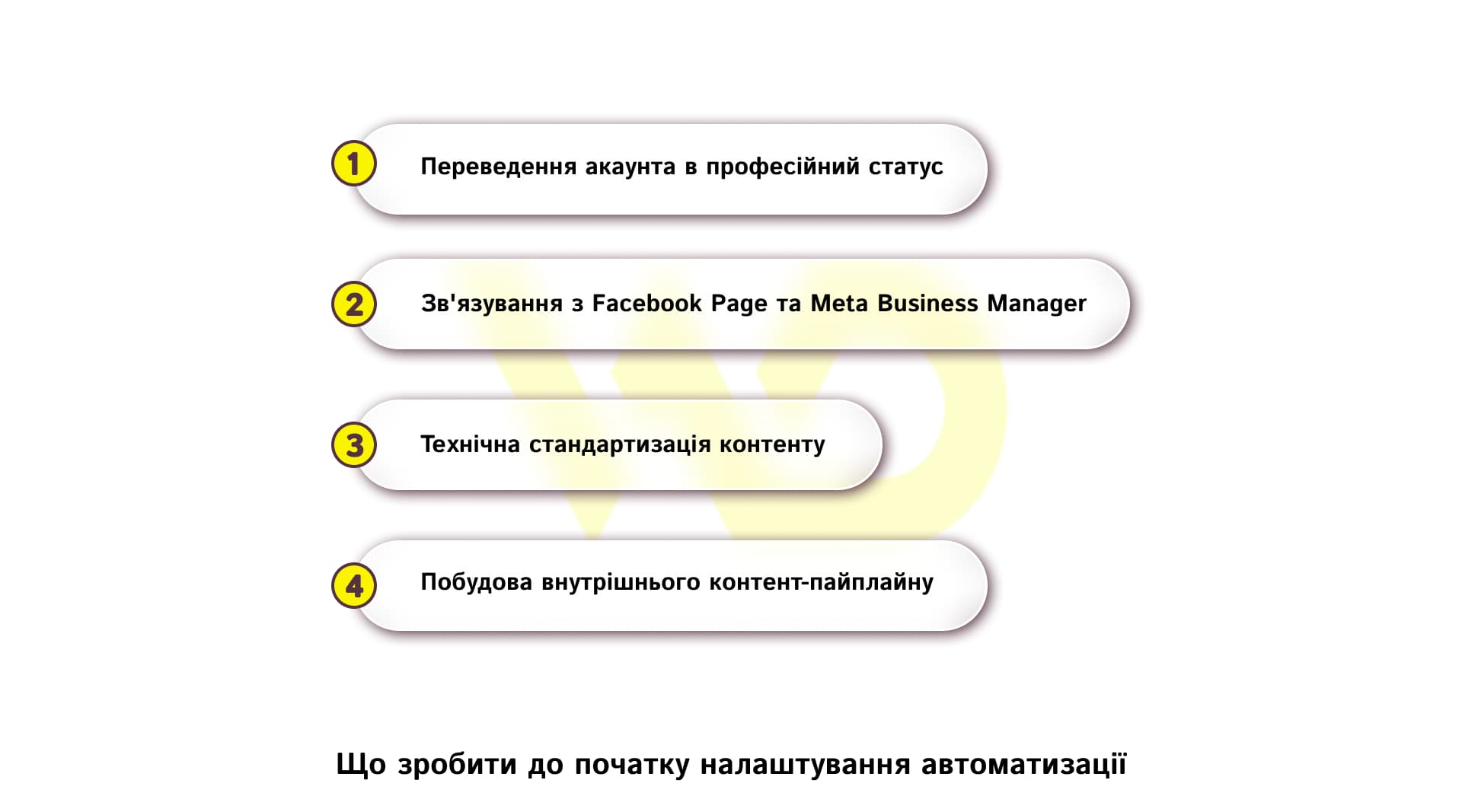
- Upgrade your account to a professional status. Personal profiles do not have access to scheduled posting at all. To access scheduling features, your Instagram account must have Business or Creator status.
- Link to a Facebook Page and Meta Business Manager. It is mandatory to link the profile to the corresponding Facebook Page and integrate it into the Meta Business Manager portfolio. This ensures the proper distribution of administrative rights among employees and guarantees stable operation via Meta Business Suite or third-party services.
- Technical standardization of content. To prevent the platform’s algorithms from degrading the quality of videos or images through forced compression, all files are prepared according to specific parameters. For single posts and carousels, the standard aspect ratio is 1:1 or 4:5, and for Reels and Stories, it is 9:16. For video content, we use MP4 or MOV formats, the H.264 codec, 1080p resolution, and a frame rate of 30 fps.
- Building an internal content pipeline. Post scheduling becomes effective only when there are clear guidelines within the team: from approving the content plan and proofreading texts with the addition of UTM tags to final approval by the person in charge.
Only after the material has passed all stages of quality control and meets the platform’s technical requirements can it be safely added to the scheduled posting calendar. This approach minimizes human error and ensures that published content looks professional and maintains its reach.
Step-by-step guide to setting up scheduled posting
Scheduled posting can be implemented in one of two ways: through the desktop version of Meta Business Suite for systematic teamwork, or directly in the Instagram mobile app.
Desktop dashboard: Meta Business Suite
This is the primary tool for batch content preparation from a computer, allowing you to flexibly manage publication settings and work with high-resolution files.
- Creation and upload. In the Planner section, select the desired Instagram profile, add high-quality media files, and paste the prepared text.
- Configuring advanced settings. In a single window, specify the geolocation, add alt text to improve Instagram’s internal SEO, and fill in the first comment with hashtags.
- Selecting a date and time. You can either specify the exact publication time manually or use the Active Times feature, which suggests the hours when your followers are most active based on internal analytics.
- Monitoring and editing. The scheduled post appears in a visual content calendar. Until it goes live, you can freely edit it, reschedule it for another day, or delete it.
The desktop workflow described above is ideal for large-scale, strategic content planning, but if you need to schedule a post or Reels quickly and without being tied to a computer, simply use your mobile device.
Instagram mobile app
The native way to work efficiently from a smartphone when you need to post content urgently or while editing Reels on the go.
- Go to advanced settings. On the final screen before publishing a post or Reels, scroll down the menu and open the Advanced Settings section.
- Enable the timer. Toggle the «Schedule this post» switch and set the desired date and time up to 75 days in advance.
- Manage the queue. You can view, edit, or cancel scheduled posts in the side menu of your profile under «Scheduled content».
Following these steps allows you to create a publication schedule in advance without the risk of technical glitches, while still allowing for flexible adjustments to your posts right up until the moment they are automatically published.
Specifics of automating different formats: posts, Reels, Stories
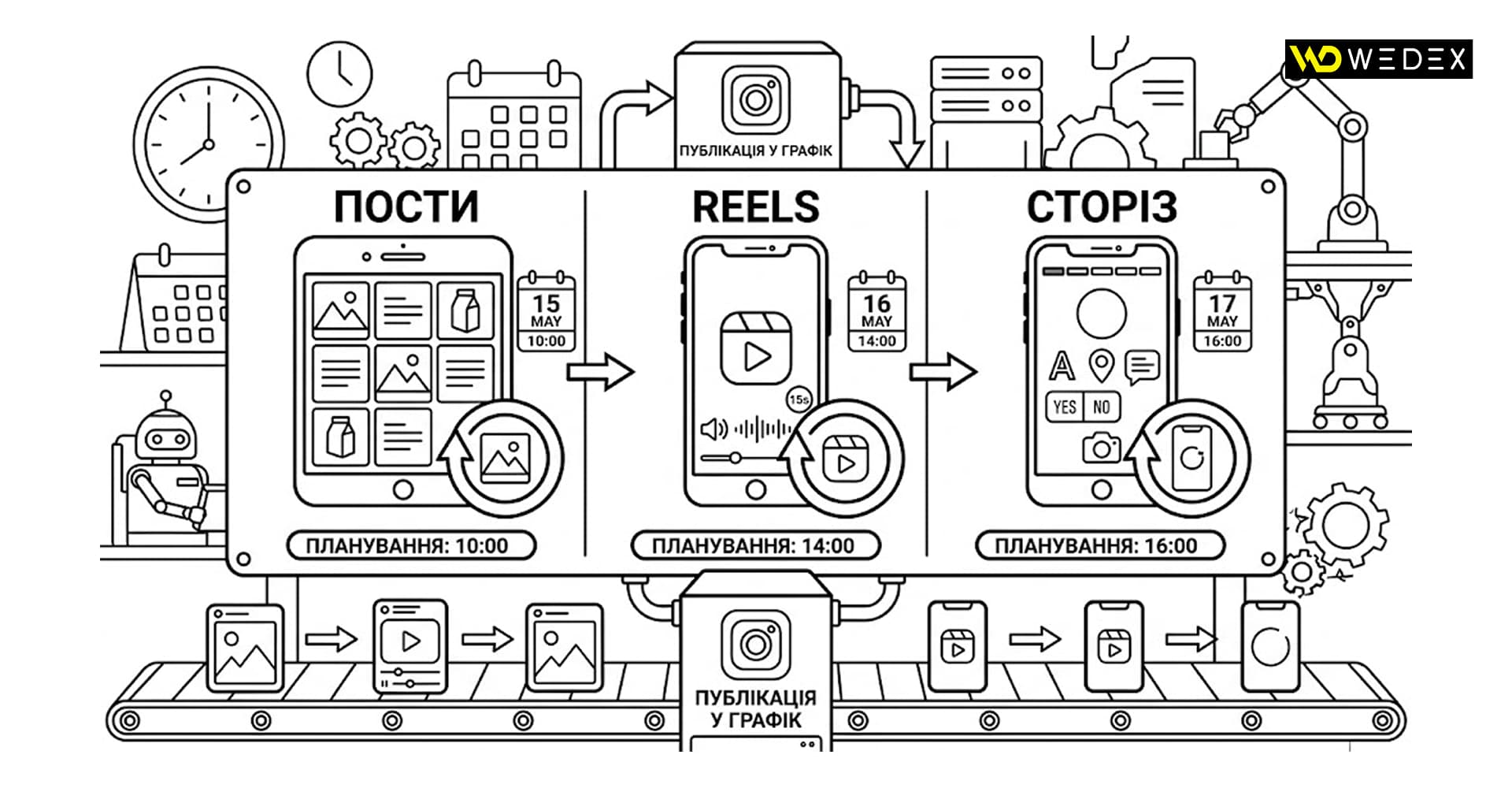
The technical algorithms for scheduled posting and the overall effectiveness of the content vary significantly depending on the chosen format. Ignoring the specifics of a particular post type can lead to a distorted page layout, loss of reach, or the audio track being muted.
Posts and carousels
This is the most stable and predictable format for scheduled posting, with virtually no technical limitations or risks during automated publishing.
It’s important to check in advance how the first slide of a carousel or a single photo will fit into the profile’s overall visual concept and whether important content elements will be cropped when displayed in the square (1:1) grid format. Also, before saving, make sure to preserve the structure of paragraphs and separators and ensure that any added UTM tags, hashtags, or mentions of partner accounts are fully functional.
While static content is easy to standardize, working with dynamic video formats requires additional technical oversight from the SMM team.
Short videos (Reels)
Automating Reels opens up great opportunities for systematic video marketing, but requires extra attention to two critical parameters: the cover image and the audio track.
If you don’t upload a separate mockup or manually set a specific frame during planning, the system will display a random video icon. This often spoils the overall aesthetic of the account’s feed.
It’s worth noting that business accounts are subject to strict rules regarding the commercial use of popular music tracks. When scheduling a Reel with a popular track, the platform’s algorithms may mute the audio entirely. For scheduled posts, it’s safer to use original audio, voice-over narration, or Meta’s free music library.
Stories
Unlike Reels and posts, which are geared toward long-term organic reach, the Stories format has its own unique characteristics that make it significantly more difficult to fully automate. Stories are considered the most challenging format to plan in advance, as their main drivers are immediacy and native interactivity.
Stories scheduled via Meta Business Suite are published as static images or video files. In most cases, these Stories do not support the use of native engagement stickers: polls, question stickers, geotags, and product tags.
Scheduled Stories are ideal for posting regular announcements, informational banners, or maintaining account activity on weekends. For content aimed at gathering feedback and engaging with followers, it’s better to use native real-time posting.
Understanding these nuances allows you to combine approaches: automate routine and predictable posts, freeing up the SMM team’s time to create lively, interactive «here and now» content.
Risks, force majeure, and the «stop» protocol: what requires daily human oversight
Automated publishing creates the illusion that an account can operate autonomously, without the daily involvement of the SMM team. However, completely removing human oversight from the process exposes the business to serious reputational and technical risks. Automation streamlines the content publishing process but does not relieve you of responsibility for the context in which the content appears.
The «Stop» protocol during force majeure events
In the event of emergencies, tragic events in the country, or internal corporate crises, an entertaining or aggressively promotional post published according to schedule can deal a devastating blow to a brand’s reputation.
The company must clearly designate a responsible person who, in the event of a force majeure, is obligated to immediately log into the dashboard (Meta Business Suite or a third-party service) and urgently cancel or pause all scheduled content. Before resuming posting after a crisis, all prepared materials must be re-evaluated for appropriateness, relevance, and tone of voice.
The «First Hour» rule and real-time community management
Instagram’s algorithms assess a post’s potential reach based on initial follower engagement metrics. The first 30–60 minutes after a post goes live are critical. If a post goes live on schedule but the SMM specialist doesn’t log into the account until a day later, the opportunity to boost reach through quick responses to comments and fostering discussion is lost. A scheduled post can generate a flood of inquiries via Direct Messages or in the comments, and a lack of a prompt response turns successful automation into lost sales and a ruined impression of the service.
Technical monitoring and post verification
Even the most reliable services aren’t immune to technical glitches: expiration of an API access token, platform algorithm updates, or layout shifts.
The designated employee must verify that the content was published at the scheduled time. It’s also important to ensure that Reels loaded with the correct audio, the carousel didn’t lose any slides, and the text retained its paragraphs and functional UTM tags.
All these risks underscore the main point: scheduled posting is not a replacement for an SMM specialist or a magic button for generating profit, but purely an operational tool. Its true value lies in optimizing workflows.
By automating the technical routine of content publishing, a business gains its most valuable resource the team’s time which should be directed toward analyzing metrics, engaging deeply with the audience, and developing effective marketing strategies.

commercial offer
Other articles by the author

12/08/2026
Broken links and non-existent pages aren't just technical flaws in a website they're a direct path to losing potential customers and dropping in search engine rankings.

27/07/2026
Effective management of a backlink profile requires a systematic approach, the foundation of which is designing the correct structure of text links.

18/08/2026
For businesses, the main challenge right now is not simply to “produce something,” but to speed up the time it takes for materials to reach the market, reduce the cost of content creation, and, at the same time, maintain the quality and human touch of communication.
Latest articles by #Useful tips

06/10/2026
From a business perspective, updating content is a sensible way to protect existing investments.
30/09/2026
Google's main focus in 2026 was the large-scale rollout and deep algorithmic integration of the AI Overviews (AIO) tool.

29/09/2026
A content pipeline transforms the creation of content from a spontaneous creative process into a managed production system. In such a system, AI serves as a powerful assistant.